
Hardware Reference
Buttons, LEDs and Controls
Quick reference for the Pico Neo 3 Pro headset, controllers, and clinician tablet.
Pico Neo 3 Pro Headset
The VR headset patients wear during Smart Therapy™ sessions.
Top Surface
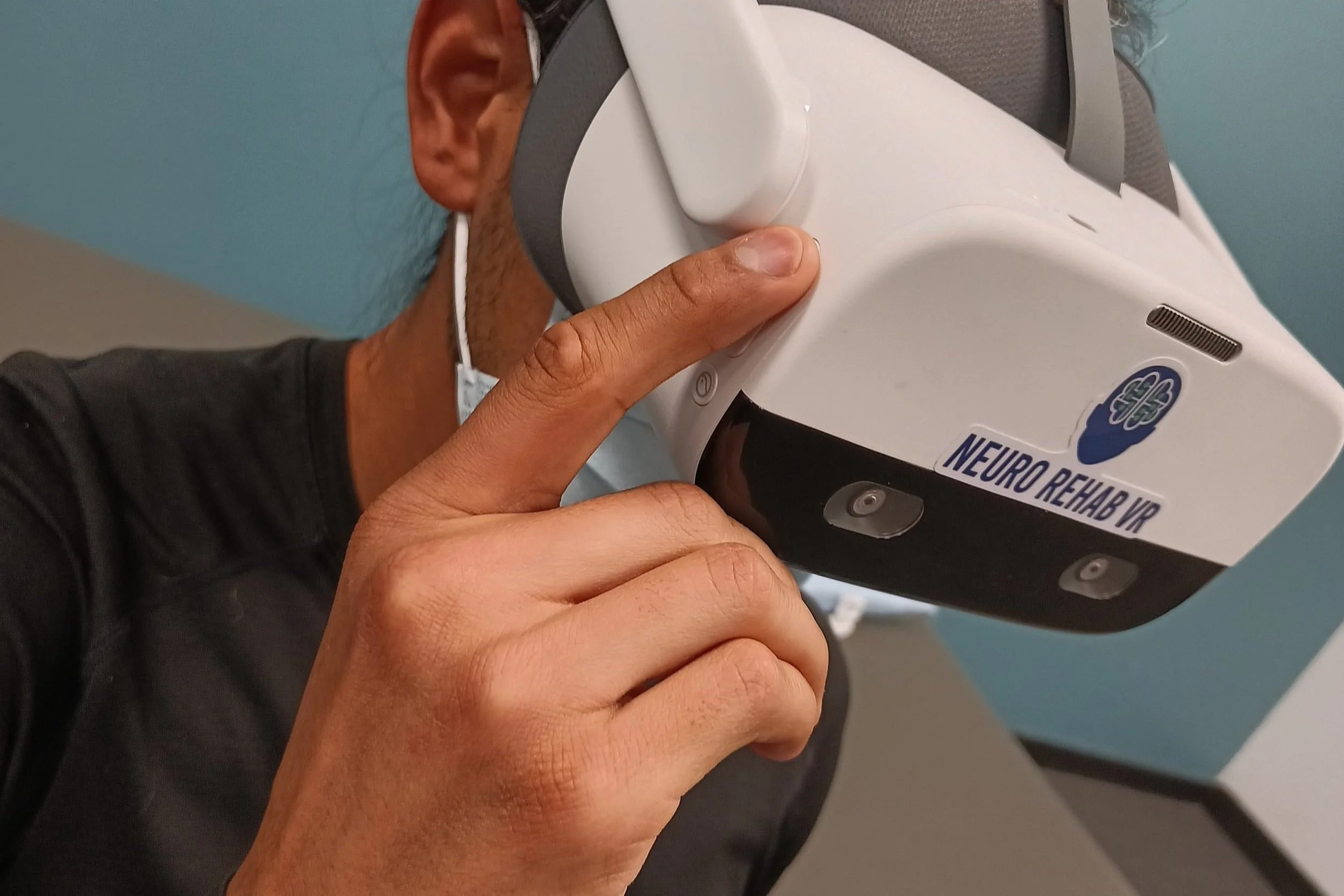
Power ButtonHold for about 3 seconds while the headset is off to power it on. Hold again for 3 seconds to power off. You'll see a blue indicator light while it powers up.
Charge PortUSB-C port. Plug in the included charger when not in use.
Right Surface
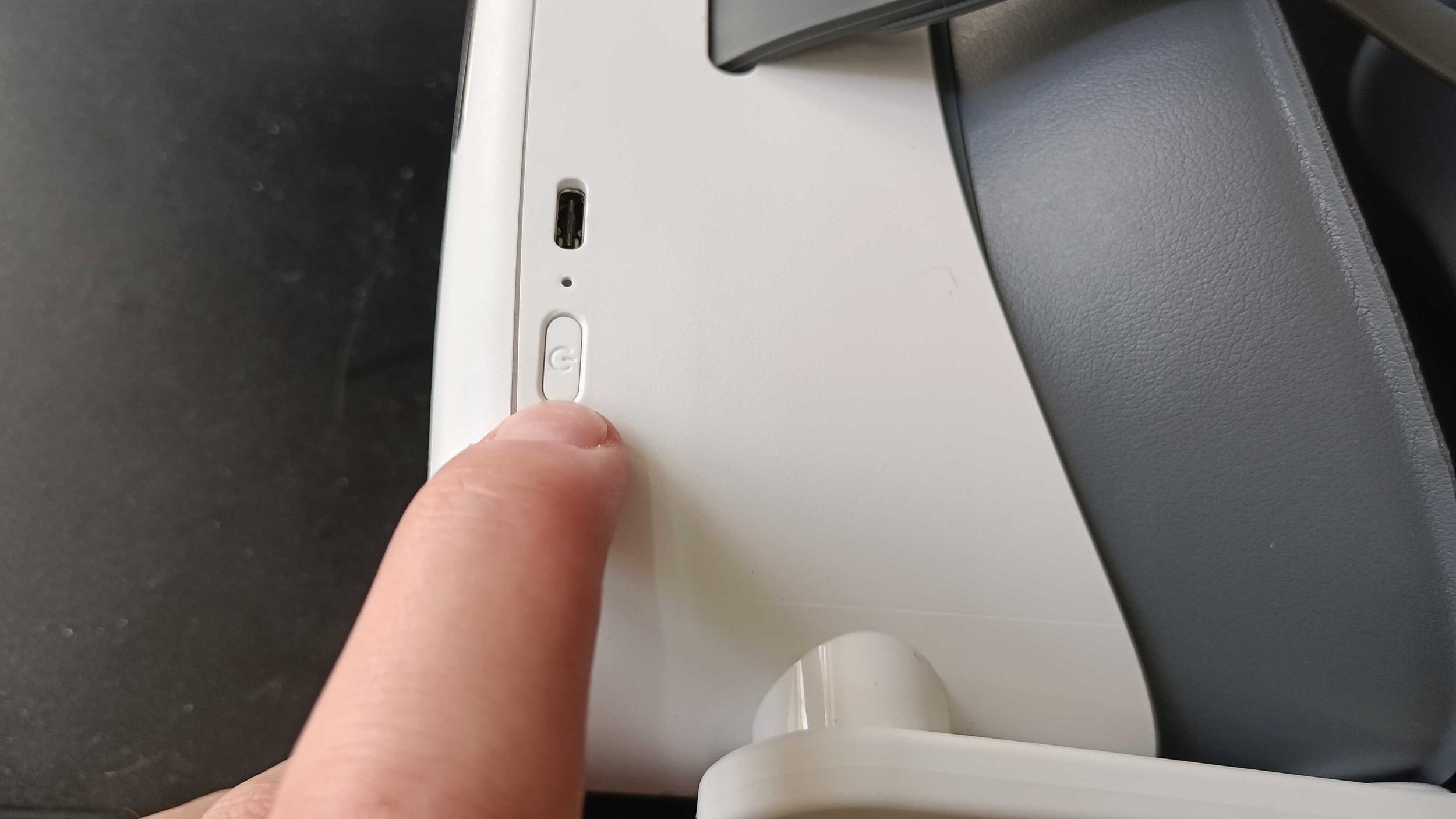
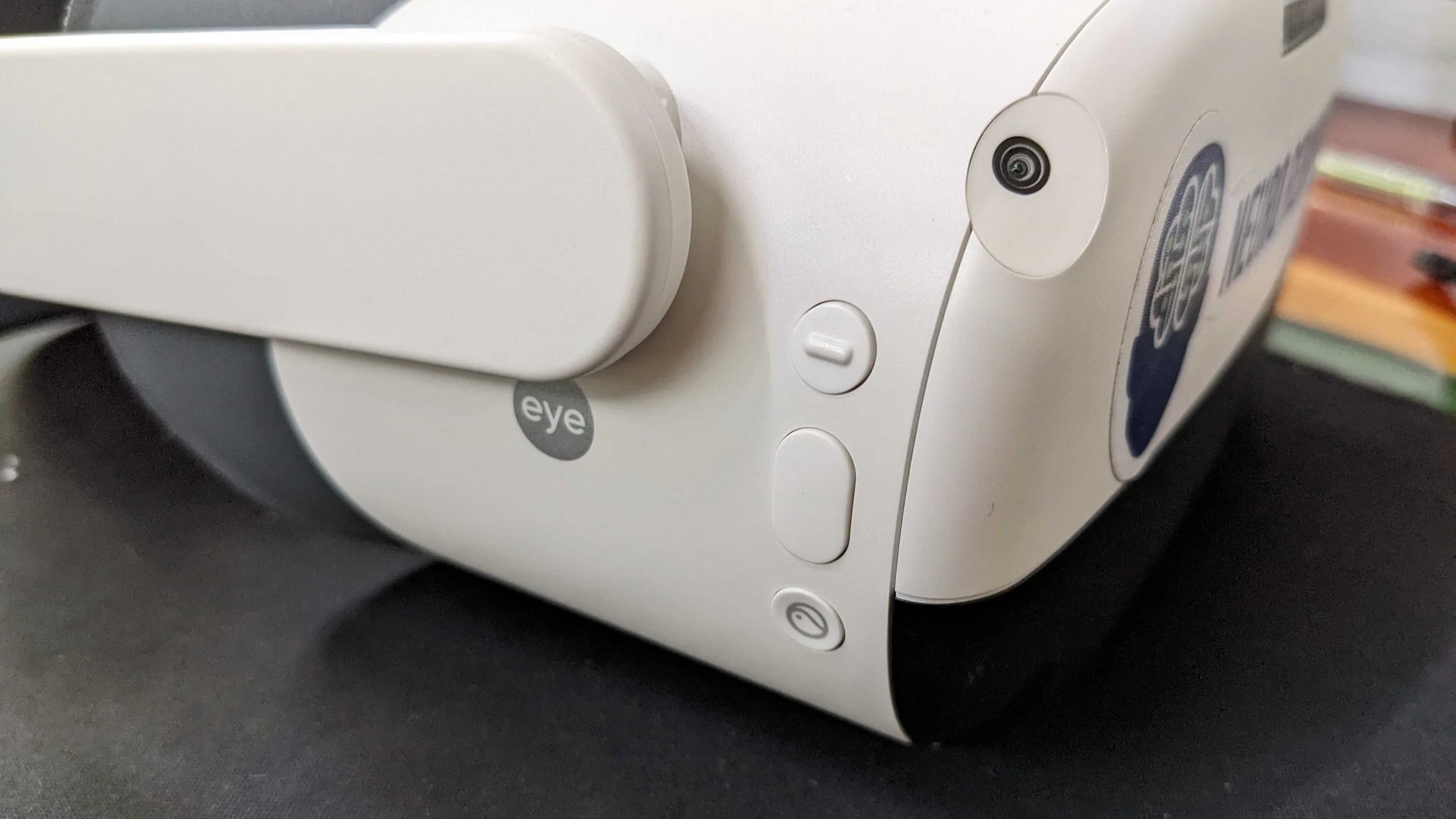
Top ButtonCreates an automatic play boundary — the same as creating one from the tablet.
Middle ButtonThe headset "confirm" button. Use it to turn on movement tracking, or to create a new play boundary if the patient has walked outside the current one.
Bottom ButtonWorks like the controller's home button. Hold to re-center, tap to return to the NRVR home menu.
Bottom Surface
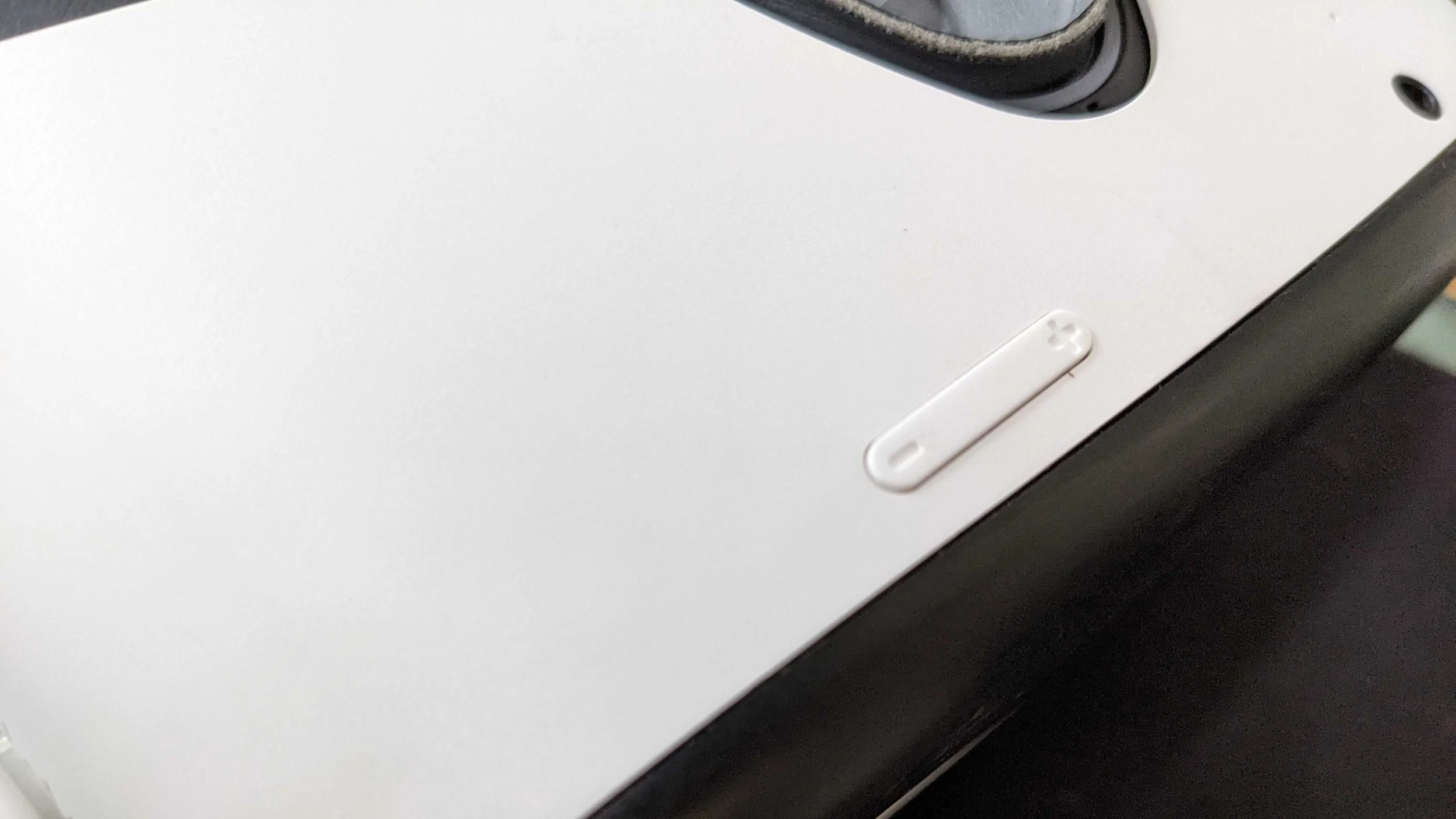
Volume +/-Found on the left side, slightly above the nose bridge when worn. Tap + to raise volume, - to lower it.
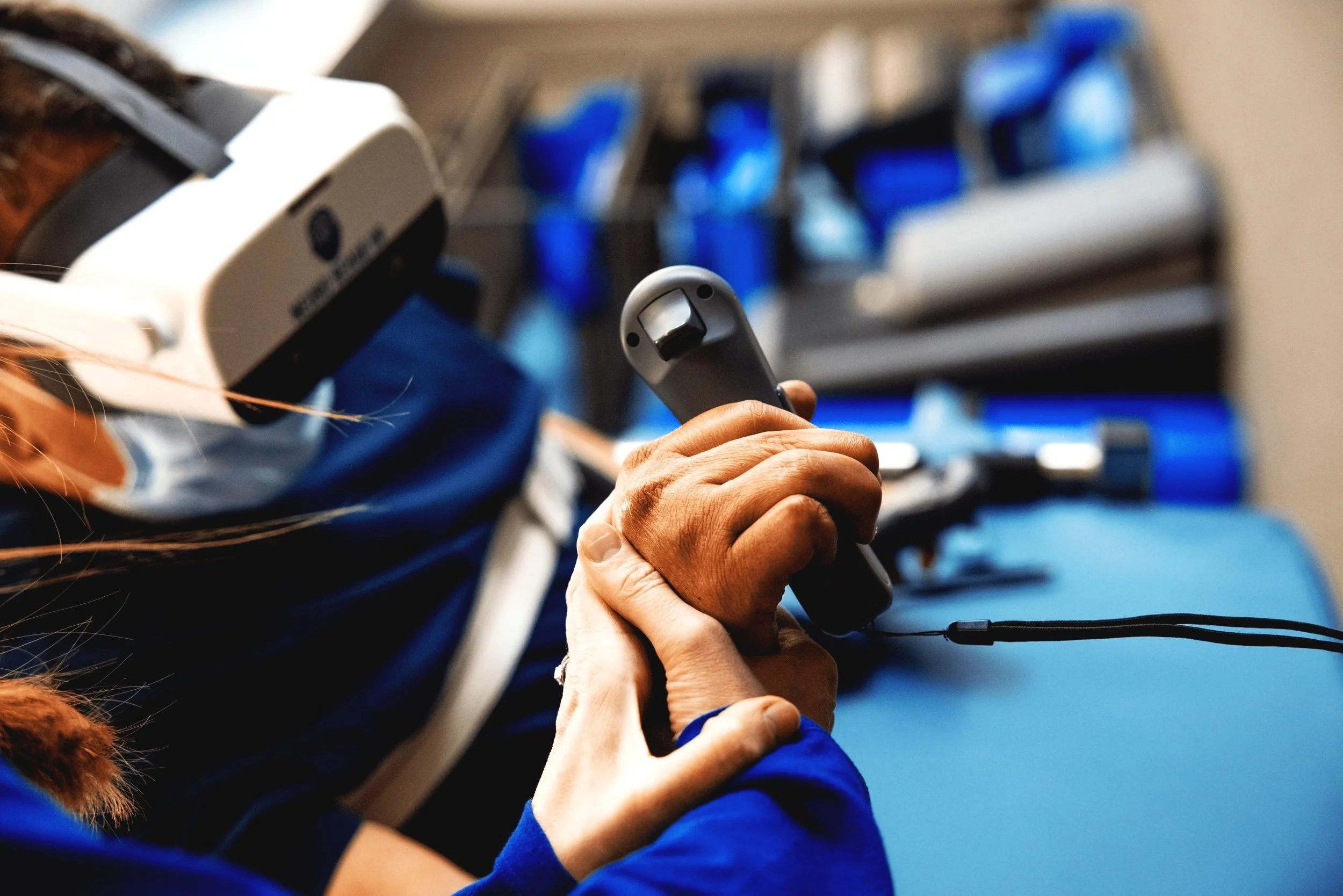
LED Indicator
Solid greenFully charged
Solid orangeCharging
Solid redLow battery
OffPowered off / deep sleep
Pico Neo 3 Pro Controllers
Two 6DoF controllers (left and right), referred to in-app as "Sensors." Each uses 2x AA batteries.
Front Surface
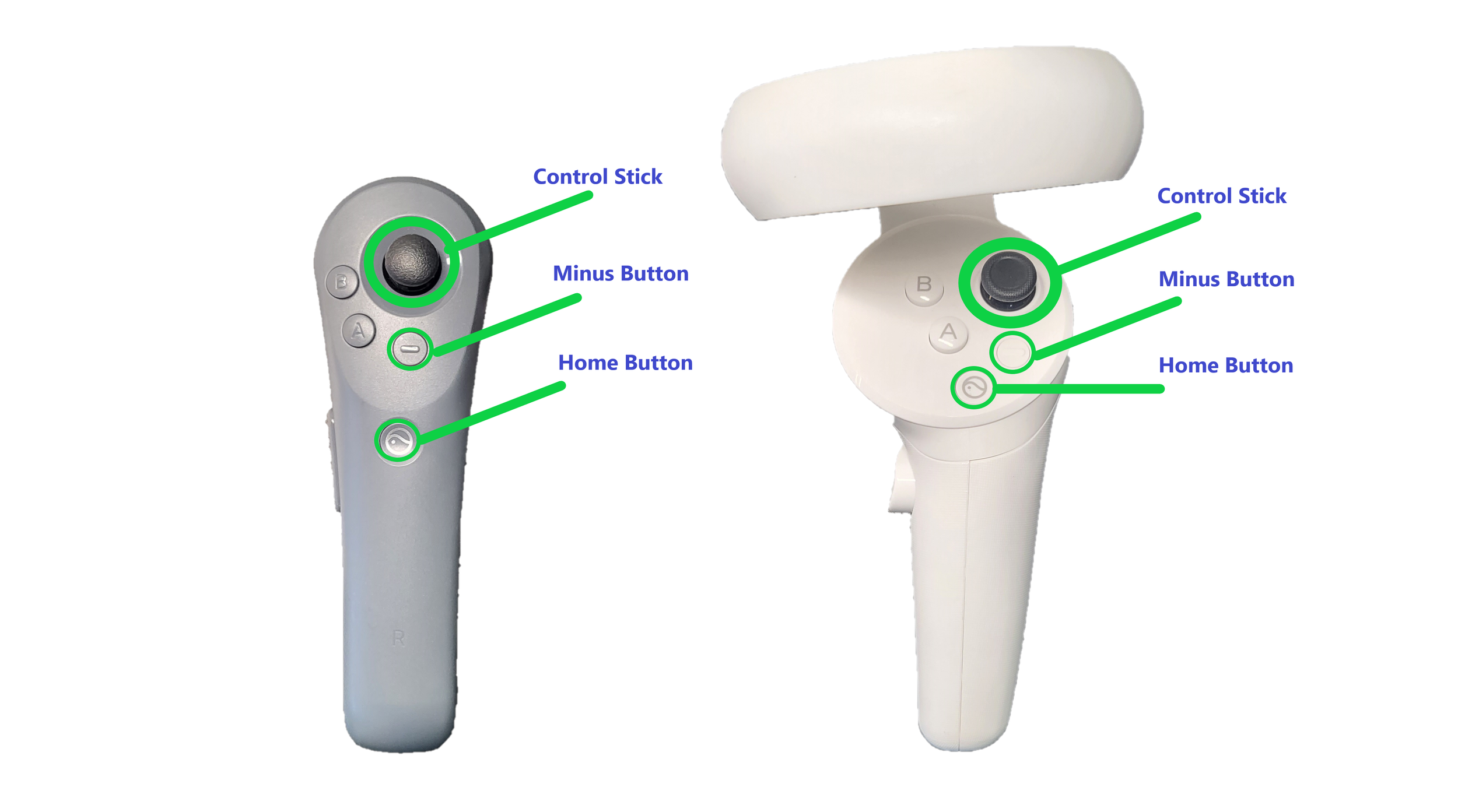
A / B / X / YThese buttons don't currently trigger any function.
Minus ButtonOpens the in-game menu during an exercise, where you can restart or resume the level.
Home ButtonHold to re-center the virtual environment. Tap during an exercise to return to the NRVR home menu.
Control StickUsed for virtual navigation (forward, backward, turning) in the Day and Night modes of Haven.
Top / Medial Surface
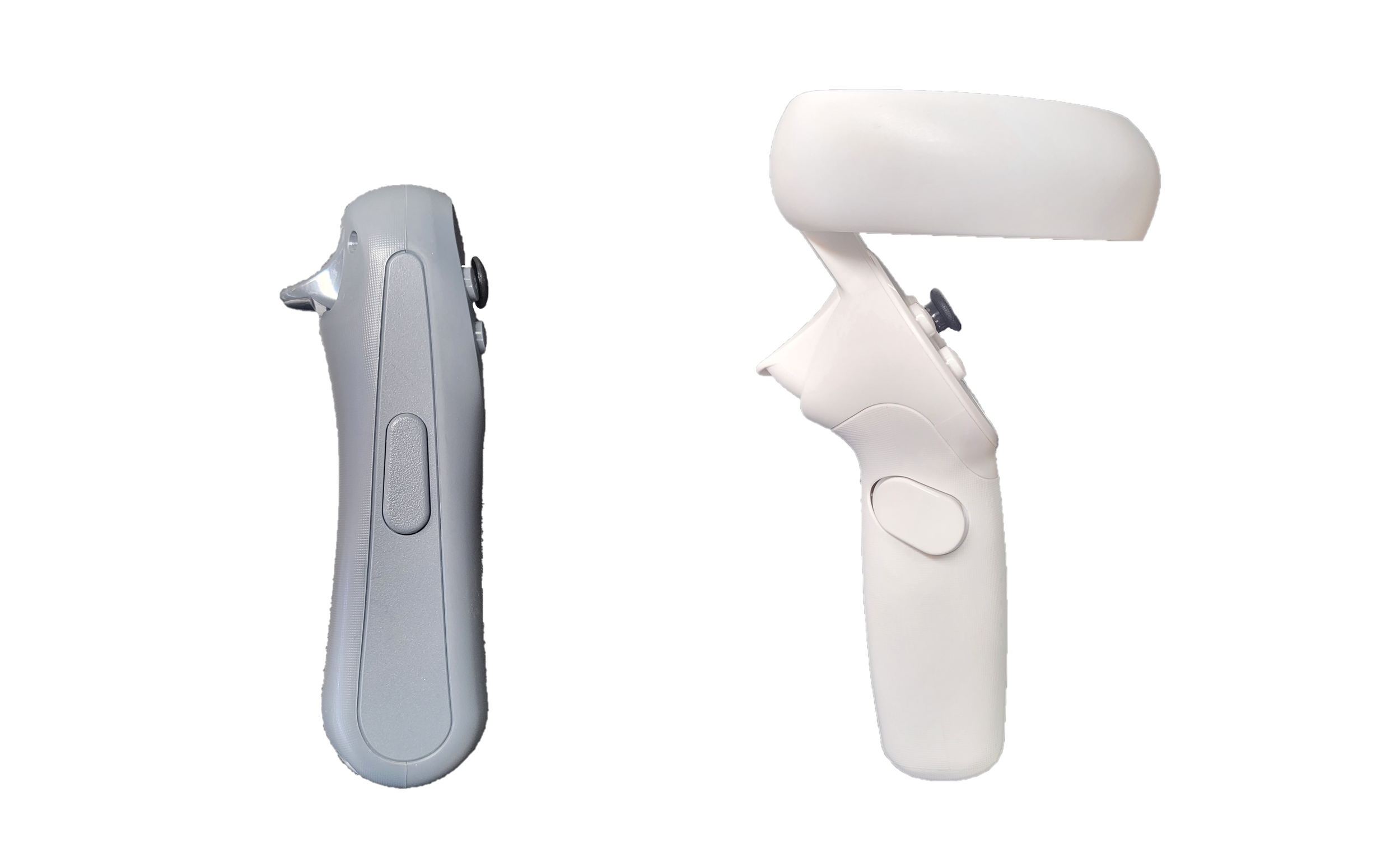
Side ButtonUsed for gripping items in the Button Grasp mode of Retail Therapy.
Top Trigger ButtonUsed for selecting exercises and choosing options in the settings menu.
Controller LED
OffConnected normally
Flashing blueNot paired
Flashing redLow battery
Samsung Tablet (Android)
The tablet the therapist uses to control the patient's VR experience.
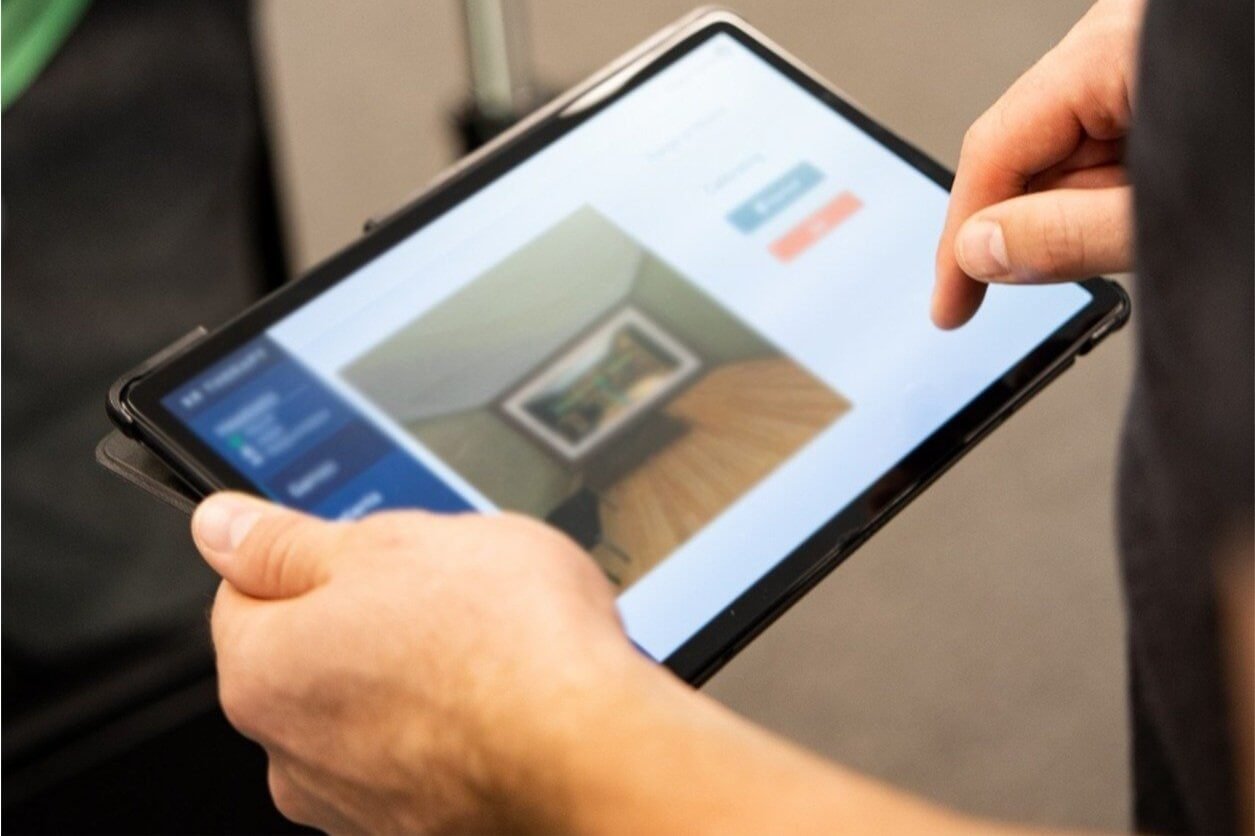
Right Surface
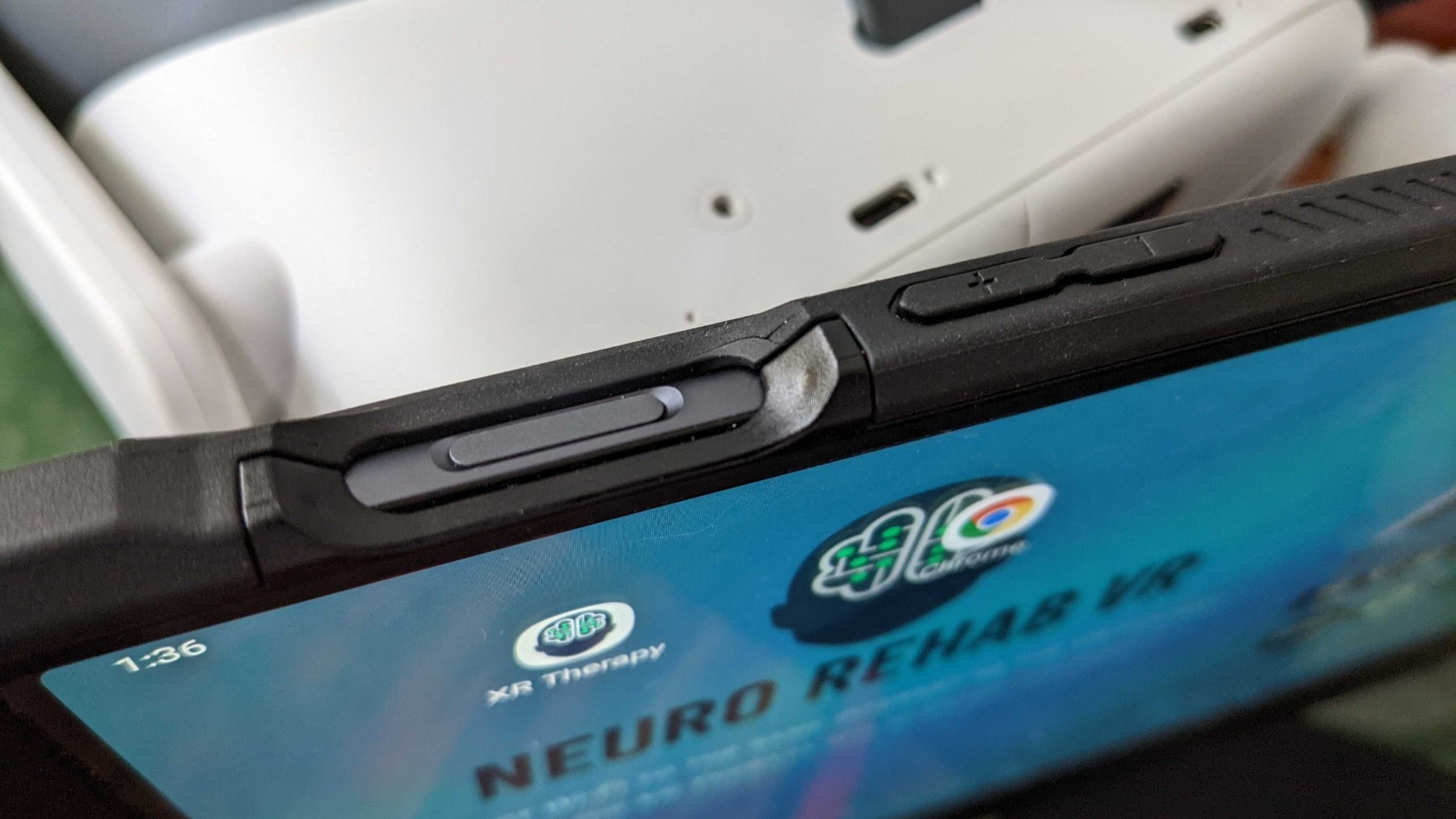
Power ButtonThe long, wide button. Hold to power the tablet on or off. Tap to turn the screen off.
Volume +/-Press + to raise and - to lower the volume when using NRVR Meet.
Bottom Surface
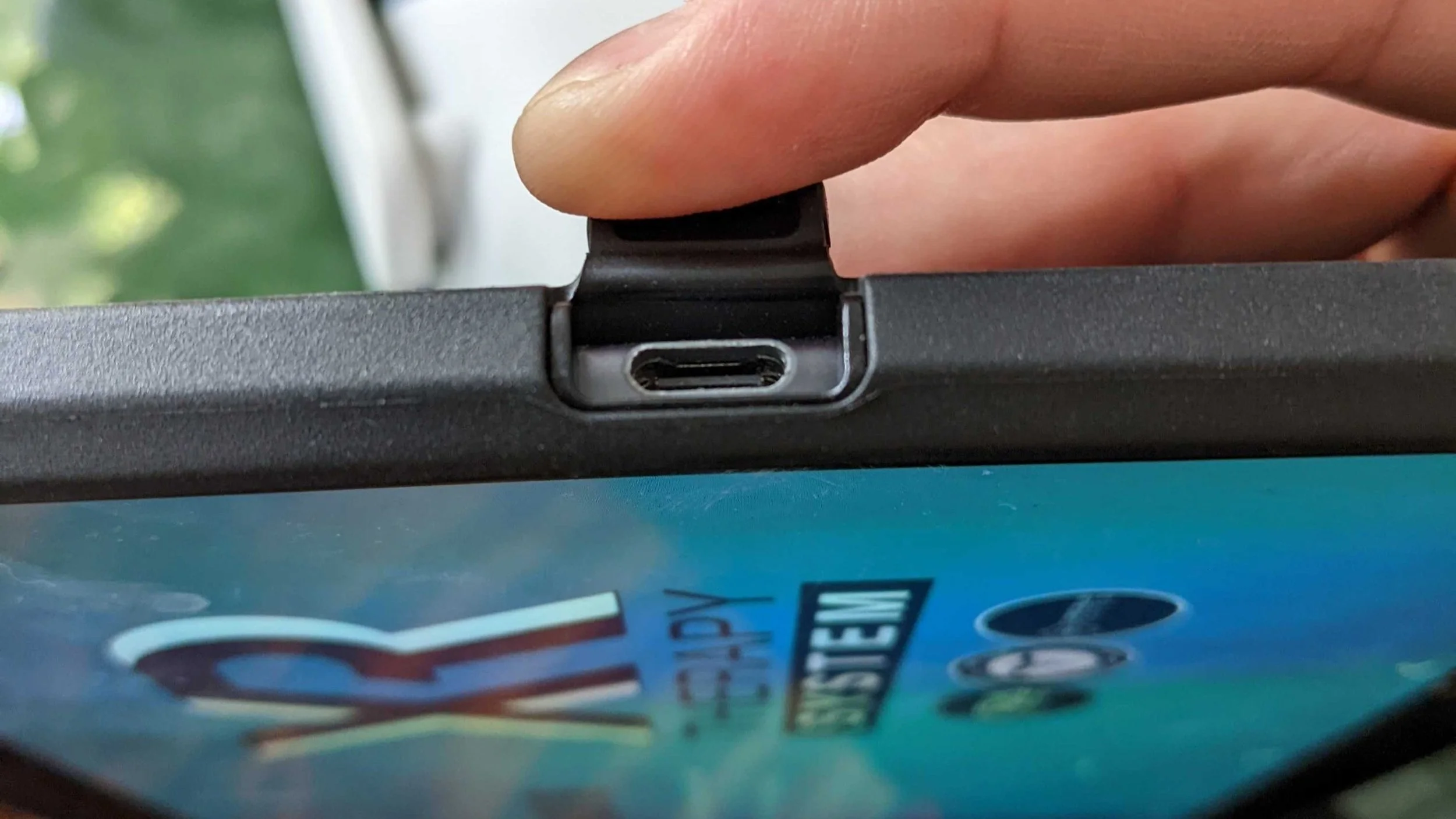
Charge PortUSB-C port. Plug in the provided charging cable when not in use.
HotspotSettings > Connections > Mobile Hotspot. Must be ON for the headset to connect.
Pico Neo 3 Pro Quick Specs
Display3664 x 1920 (nearly 4K)
Refresh Rate72Hz / 90Hz
Field of View98 degrees
ProcessorQualcomm XR2
Storage256GB
Tracking6DoF (inside-out, 4 cameras)
Wi-FiWi-Fi 6 (802.11ax)
Controller Batteries2x AA (~100hr)
Headset Weight395g